Independent · not SAM.gov
SAM.gov registration checklist
Updated 13 November 2026
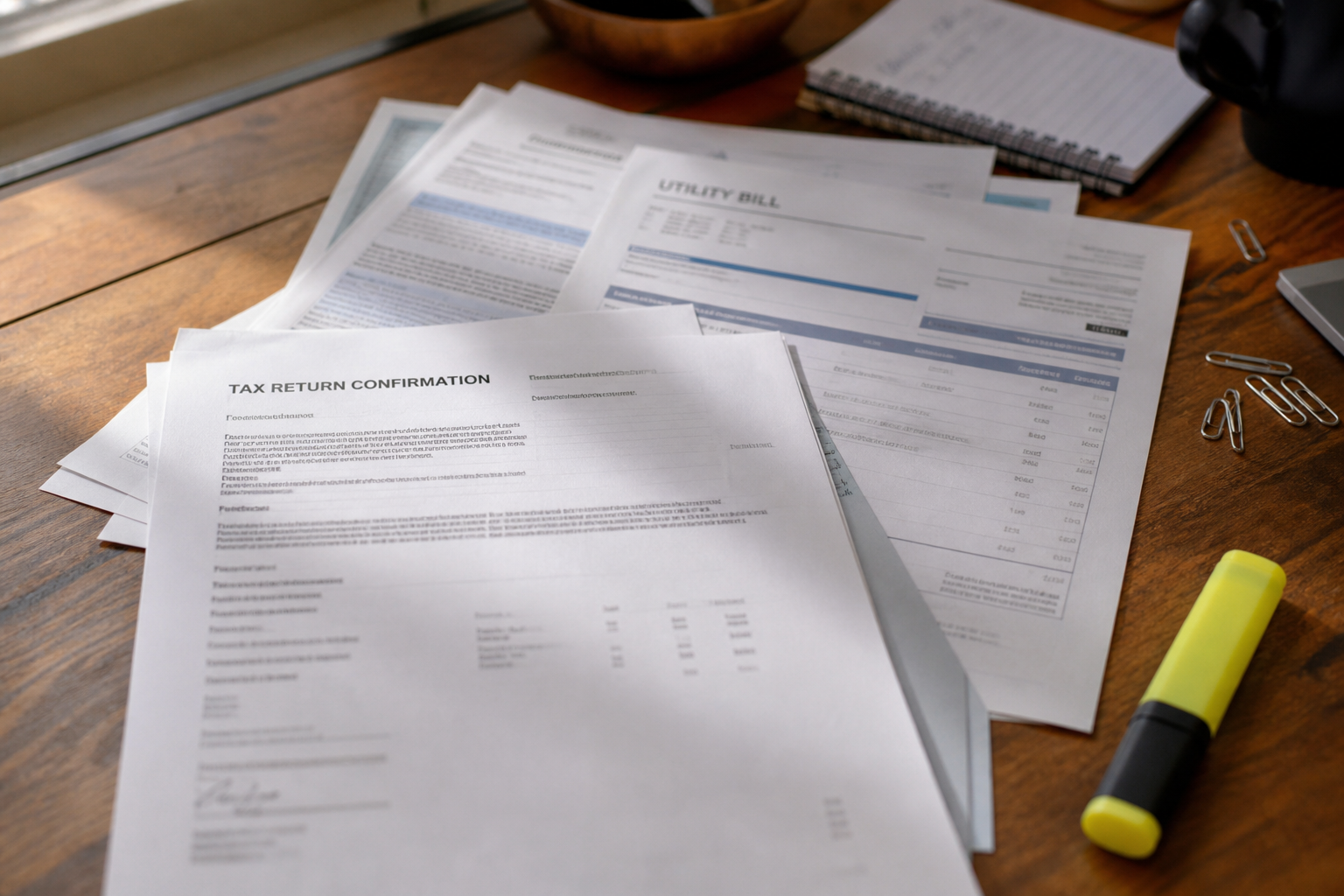
Registering in SAM.gov (the System for Award Management) is free. This checklist covers what to have ready before you start, so a no-match on your name and address does not stall you halfway through. Your progress is saved on this device as you go.
ZeroGov is not the U.S. government and not SAM.gov. We're an independent site explaining a free government process that a lot of paid services charge for without saying plainly that it costs nothing to do yourself. Register directly at sam.gov.
Readiness checklist
0 of 8 ready
Why registrations get rejected
Most delays come from a few causes. The legal name and physical address do not match what SAM.gov's validation database holds, the document you upload does not show the current legal name and physical address together, or the scan cannot be read. Separately, after you submit, the IRS checks your taxpayer name against your most recent IRS document, and a mismatch there rejects the registration. Working through this checklist first catches most of these.
What the reviewers accept and reject
- Use a street address. GSA says P.O. boxes and mail-drop addresses are rejected (FSD).
- Bank and utility statements must be under five years old. Formation documents can be older if the name and address are unchanged.
- Accepted file types are PDF, PNG, JPG and BMP, in English or with a certified translation (FSD).
- GSA does not accept deeds, loan documents, invoices, letterhead, federal award paperwork or Entity Administrator appointment letters as proof of name and address.
- Sole proprietors register under their own legal name, and a business name is linked as a DBA (FSD).
- A new or changed EIN or taxpayer name takes about five weeks to reach the IRS records. GSA says not to register or update until at least five weeks after you receive the IRS letter (FSD).
- After you sign in, the Check Entity Status tool on the SAM.gov home page shows where your record stands. You need a role on the entity to use it.
If you're already stuck
If SAM.gov shows "No Match Found" on the name and address step, use the Create Incident button inside SAM.gov and attach your documents there. GSA says not to attach name or address documents to a separate FSD.gov ticket, and that tickets without documents are closed (GSA bulletin; FSD). If you have already opened an incident, add to it rather than opening a second, because duplicates slow the review. Use fsd.gov for other registration problems.
What comes after registration
Once you are registered, your business appears in the database contracting officers search to find vendors. In fiscal year 2025 small businesses received about $179 billion in federal prime contract dollars, according to SBA's scorecard. Understanding your NAICS-based set-aside eligibility and the current procurement rules matters too. See our plain-English rundown of the FAR overhaul for the proposed changes.
Independent information, not legal advice. Confirm status and rules on sam.gov and the current FAR text.
Quick answers
- Does SAM.gov registration cost money?
- No. Registration and annual renewal are free. Paid walkthroughs fill out the same form.
- Does this checklist phone home?
- No. Checks save in your browser’s local storage only.
- What usually fails first?
- A name and physical address that do not match SAM.gov's validation database, or a document that does not show both together. After you submit, a taxpayer name that differs from your IRS letter also causes rejection.